Navigation
Step 1 | Step 2 | Step 3 | Step 4 | Control Issues | Heater Issues | Call-Out |
Need some help?
Our after care team are happy to walk you through any troubleshooting.
Infrared heating systems are designed for reliability and long service life. In the unlikely event that your system is not performing as expected, a small number of routine checks will resolve most issues quickly.
Before arranging a service visit, we recommend working through the guidance below.
These checks apply to both residential and commercial installations.
Step 1 | Step 2 | Step 3 | Step 4 | Control Issues | Heater Issues | Call-Out |
Many apparent system “faults” are caused by interrupted power supply.
Please check:
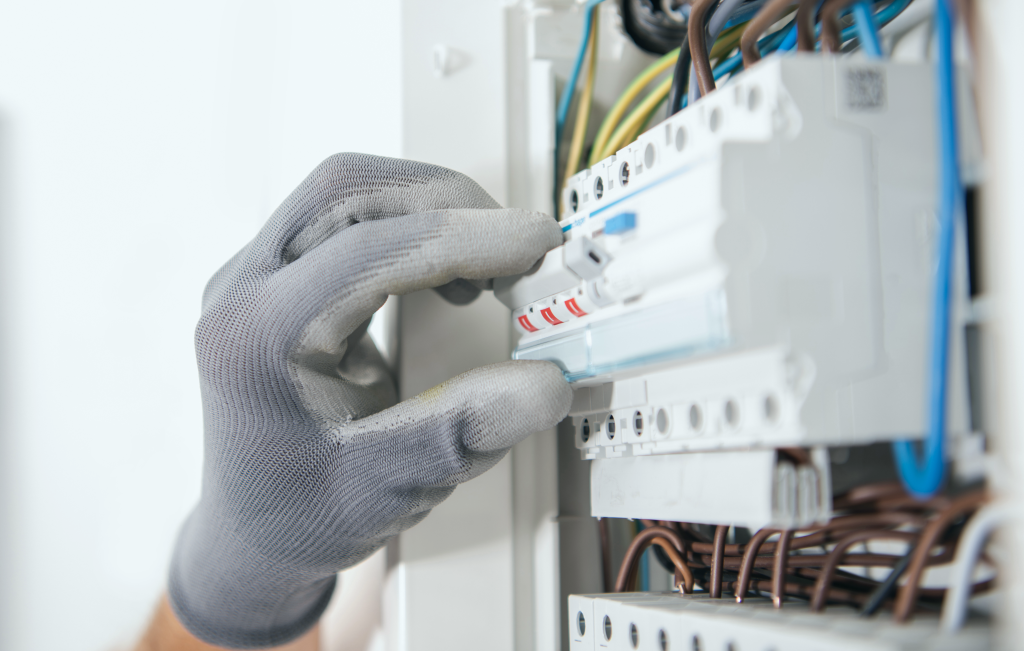
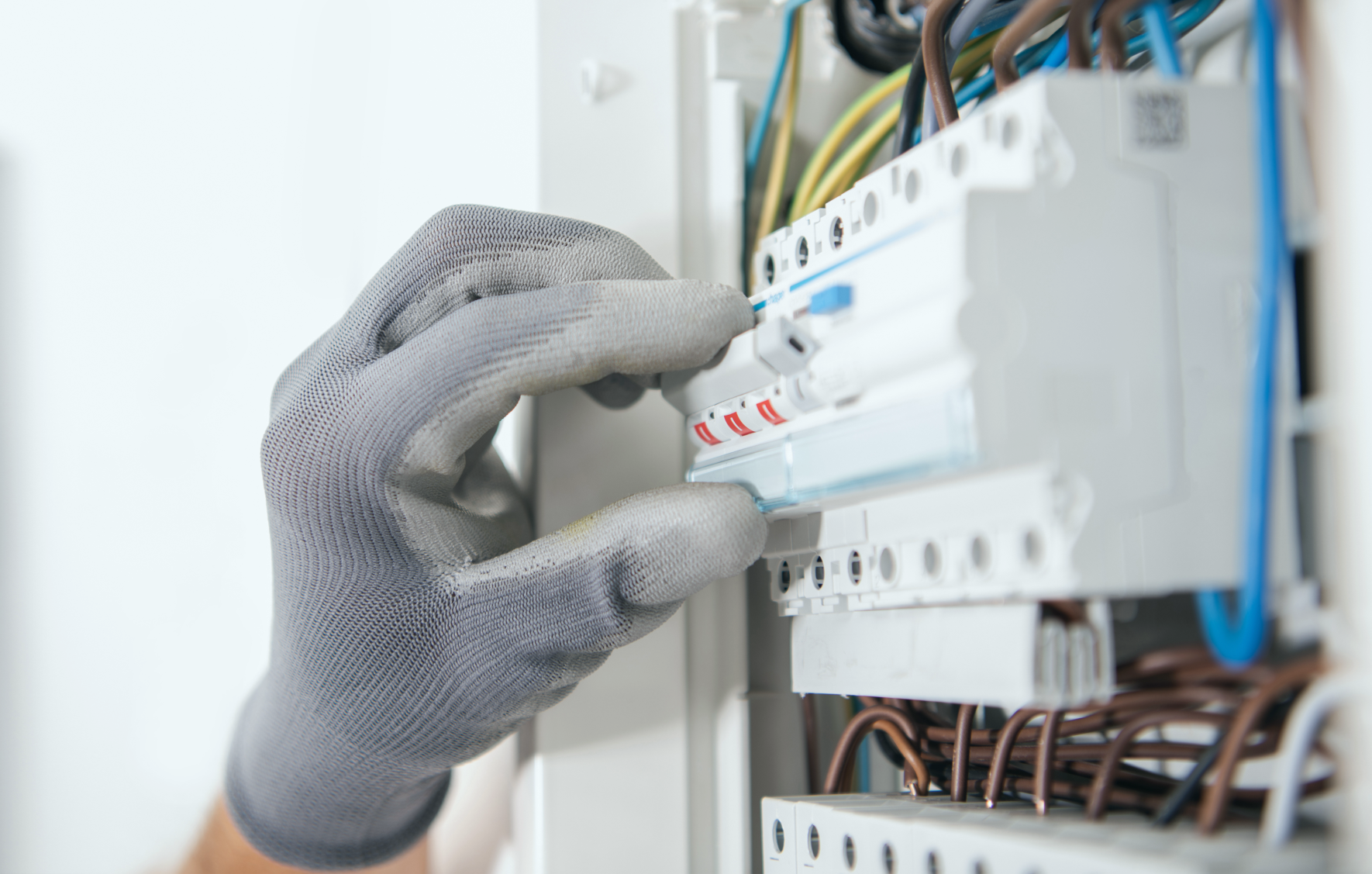
Ensure all relevant circuits are switched on and have not tripped.
If a breaker has tripped, reset it once. If it trips again immediately, discontinue use and contact a qualified electrician.
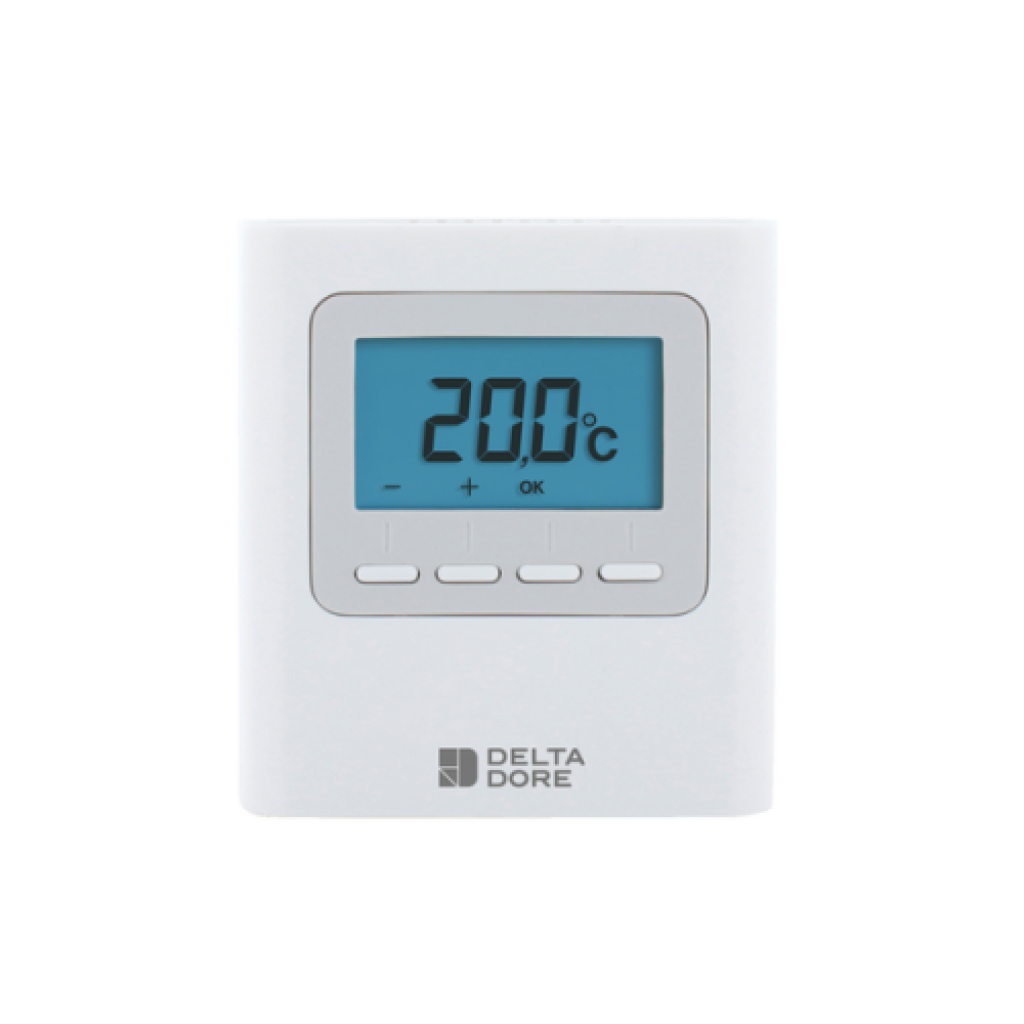
If your system is operated via controls including Delta Dore systems (applies to systems with smart controls), confirm:
The hub status indicator is showing normal operation (typically white on Tydom hubs)
Loss of internet connection or power interruption may require the system to be reset.
If your controls were commissioned by one of our installer partners or your electrical contractor, they will have been configured with baseline programming. A power cut can occasionally revert or interrupt settings.
Resetting to the original configuration often restores operation.
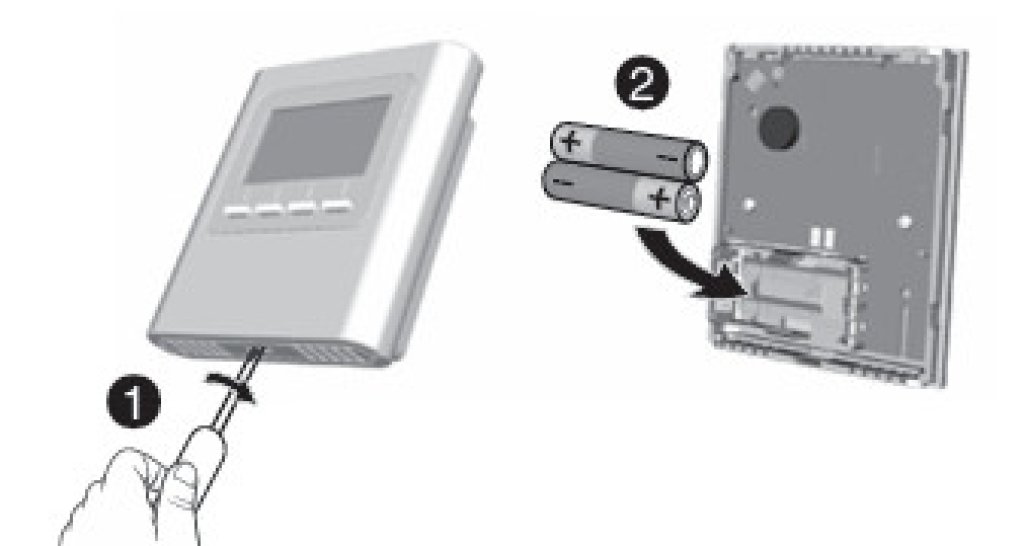
If using wireless thermostats:
Flat batteries are a common and easily resolved cause of non-operation.
If the issue has occurred following a power outage:
Most systems resume normal operation once connectivity and schedules are restored.
If the system powers on but is not responding correctly to scheduling or app controls, the issue is typically control or programming related.
For Delta Dore systems, direct technical assistance may resolve the matter remotely and quickly.
Technical Support:
Remote support often resolves configuration issues without requiring site attendance.
If:
The unit may need to be returned for inspection.
Where the product is within its manufacturer warranty period:
We recommend confirming electrical supply via a qualified electrician before returning any product.
If the above checks do not resolve the issue, a site visit may be necessary.
Our service call-out policy includes:
Read the full call-out policy here:
Where a fault is identified as installation-related:
Manufacturer warranty applies only to confirmed product defects.
If you have worked through the steps above and require assistance, please contact our team with:
Providing structured information helps us resolve matters efficiently.